Minecraft Education
Minecraft Education is a classroom-based version of the world-wide gaming sensation Minecraft. It uses interactive, game-based environments to teach subjects like coding, maths, science, history, and sustainability. Teachers can create lessons inside the game, while students collaborate, problem-solve, and build projects in a safe, controlled digital world environment.
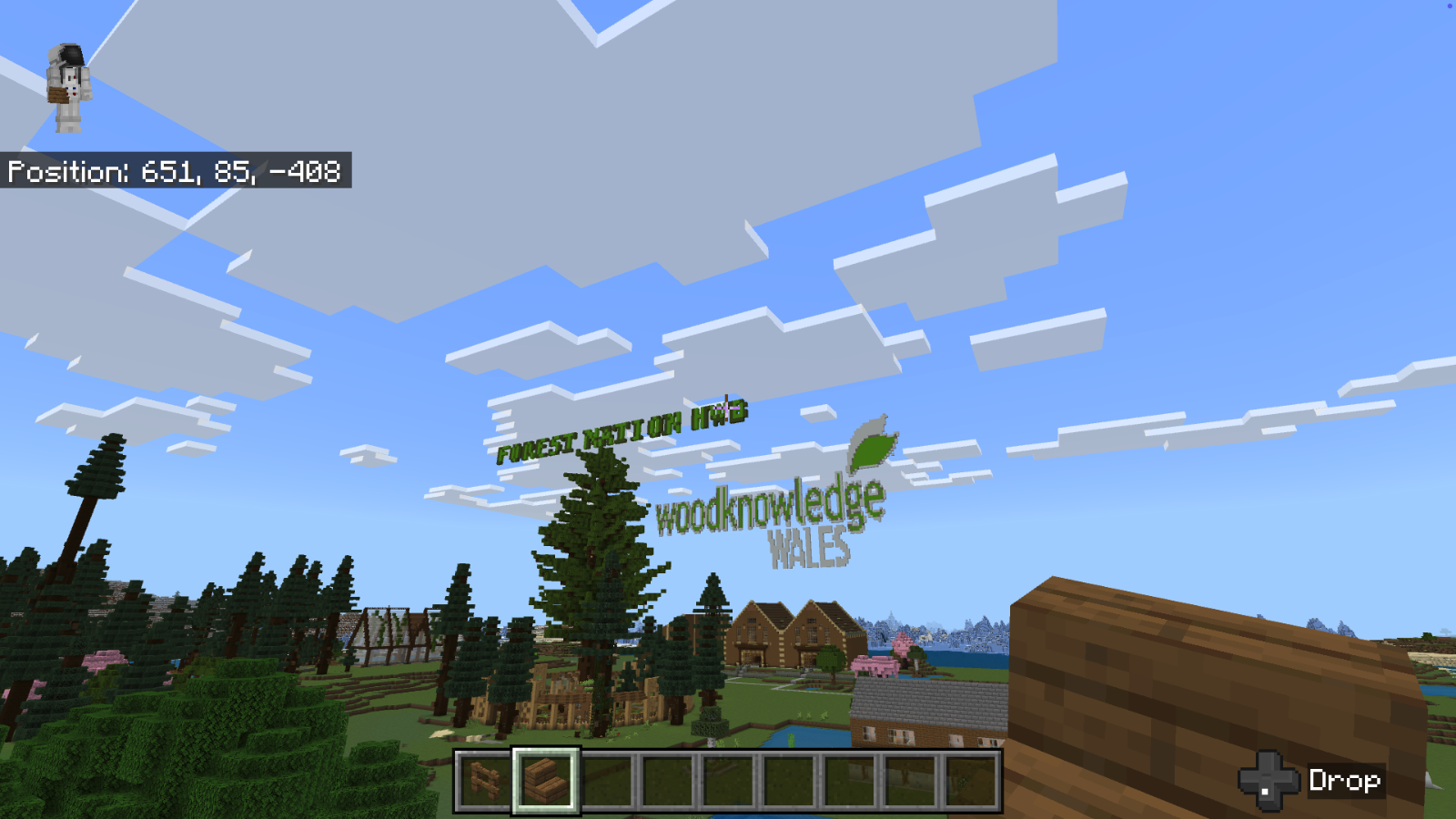
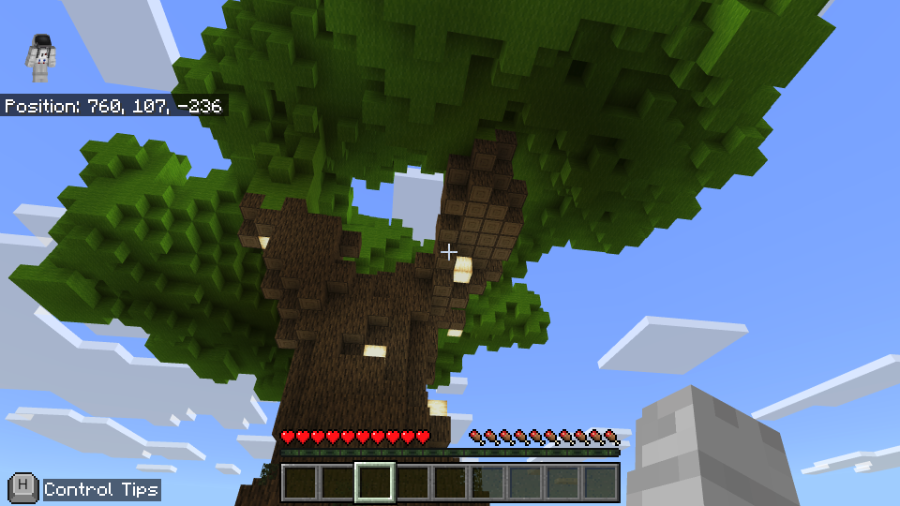
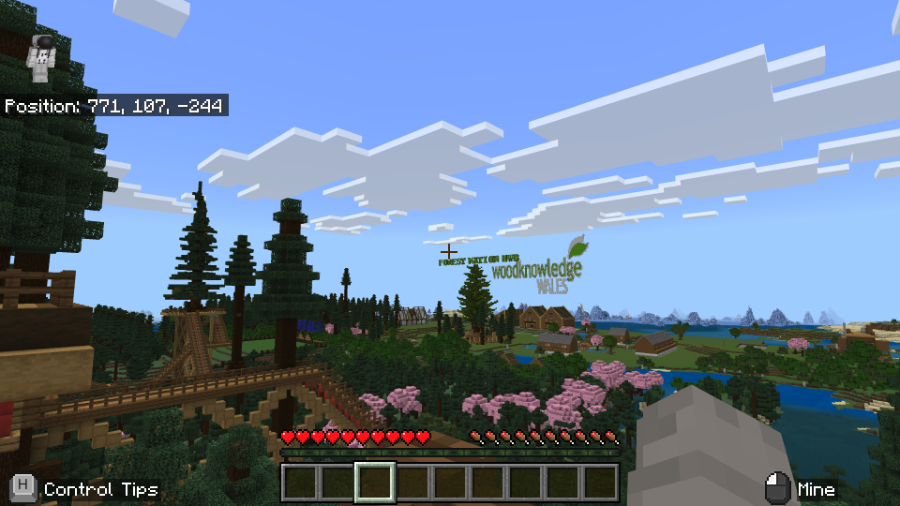
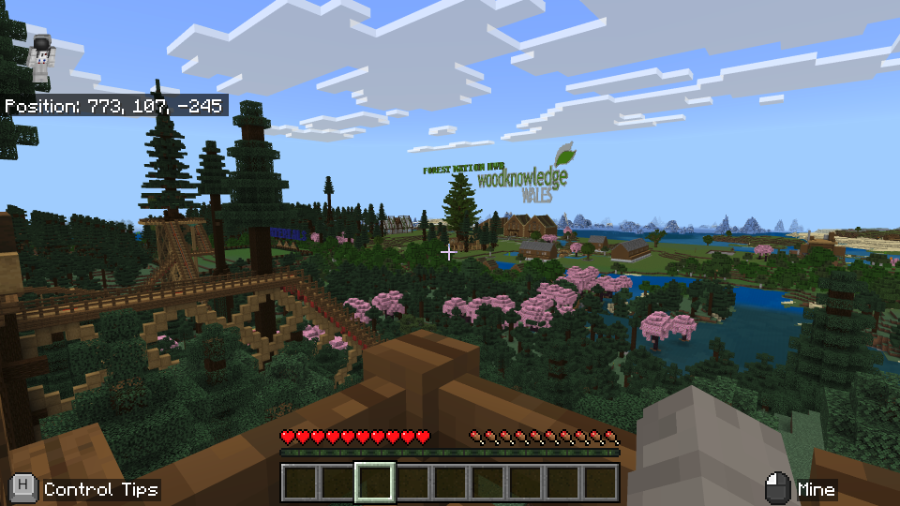
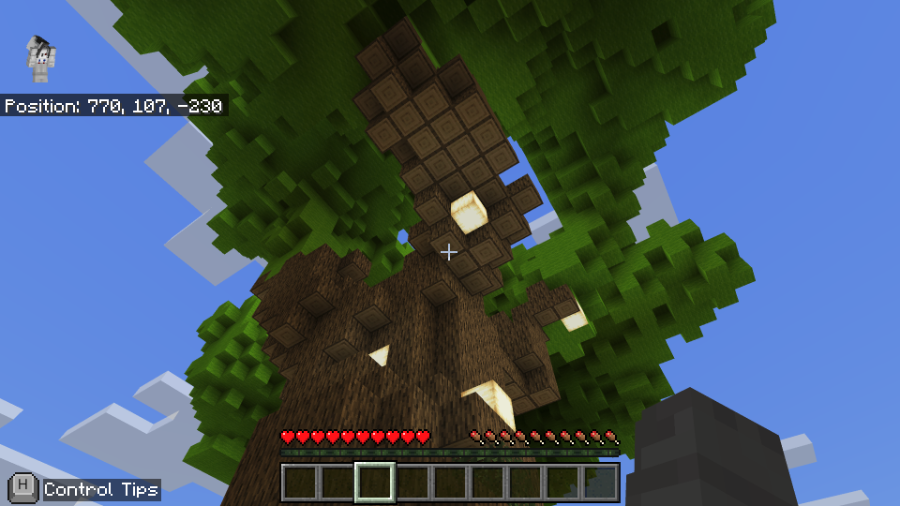
We think this approach provides a method to inspire and engage students in a fun and creative way. So, we have created Forest Nation World: a Minecraft Education Map that can be downloaded (see below) and imported into your version of Minecraft Education (please note this map will only open in Minecraft Education on a PC or Mac – not XBOX, PlayStation or similar gaming console).
At the start of the game, you will be invited to take a roller coaster ride to the Forest Nation Hub. From there you can choose to complete four challenges:
- Create a sustainable woodland.
- Design and build a sustainable house.
- Visit a nursery and plant some trees.
- Go on an Easter Egg hunt hidden in the forest and win a prize (there are 4 to find!).
We want schools and school children to use the map in their classroom activities and give is feedback. Here are a few tips that we think will help:
- Use this lesson plan (located at The Hwb) to provide a great starting point to aid designing and creating a building in the sustainable building zone.
- Use this lesson plan to research, plan, design and create a new woodland in Minecraft Education. Creating a woodland involves building individual trees of different species (e.g. spruce and oak) using Minecraft materials. YouTube has some good tutorials to help learners, such as this one: https://www.youtube.com/watch?v=buYn47iQgvI
- Use structure blocks to capture individual trees that have been created (or a small group of trees) and use these as “building blocks” to create a larger woodland. Then populate with wildlife! A Microsoft guide to using structure blocks can be found here: https://learn.microsoft.com/en-us/minecraft/creator/documents/structures/structureblockscommandtutorial?view=minecraft-bedrock-stable
Download instructions
- Download the map as a file from here.
- Open Minecraft Education and click on the “Play” button.
- In Minecraft Education click on the “IMPORT” button.
- Find the folder where you saved the Forest Nation World.mcworld file. Select the file and then click “Open”
- The Forest Nation World should now be saved to your “MY WORLDS” folder within Minecraft Education. Select “MY WORLDS”, select “Forest Nation World”, and click “PLAY”.
This is our first attempt at publishing this Minecraft world so there may be glitches. Let us know if you have any problems or want to share ideas for improvement via this email address james.moxey@woodknowledgewales.co.uk
